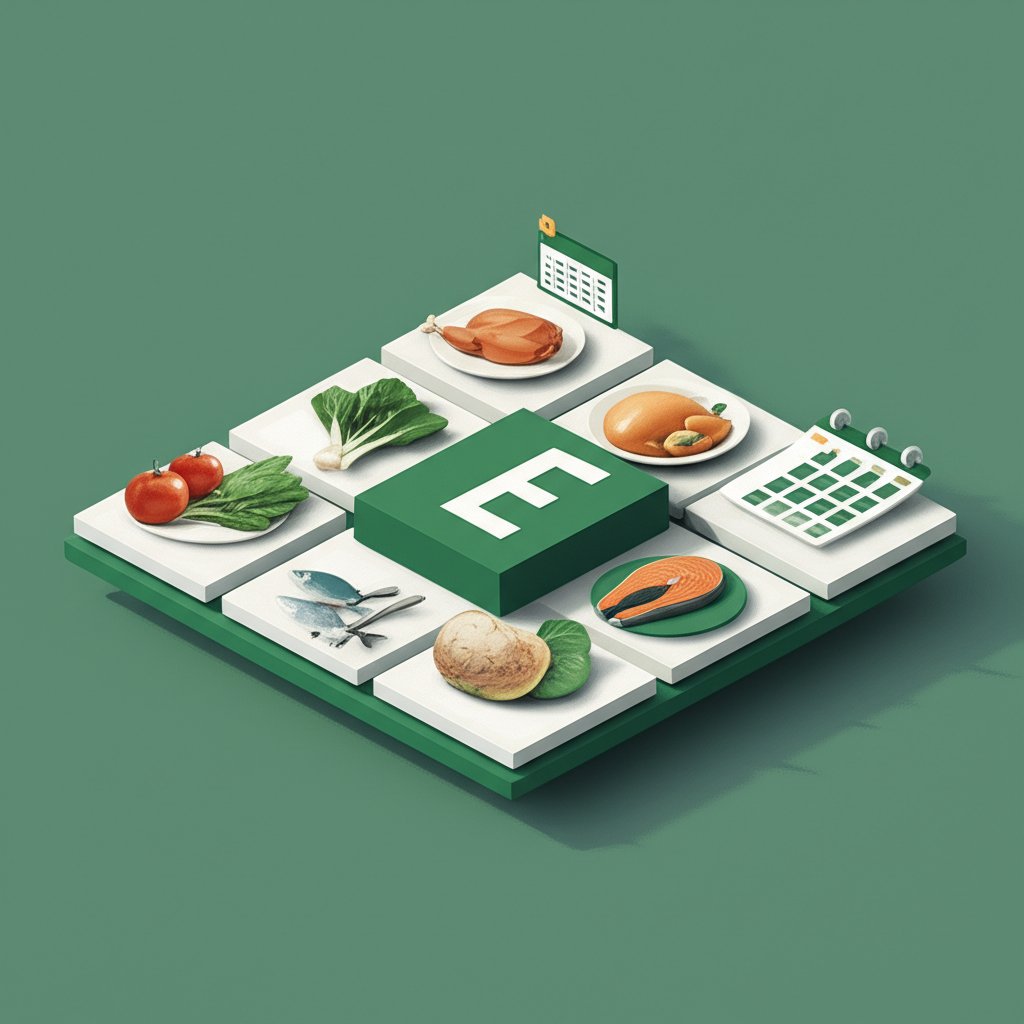
Staring into a full fridge at 6 PM and feeling like there’s nothing to eat is a special kind of weeknight dread. You know you have ingredients, but the energy to connect them into a coherent meal has vanished. A monthly meal planner excel template is the strategic tool that transforms this daily chaos into calm predictability. It’s more than just a calendar; it’s a command center for your kitchen, helping you reclaim time, slash your grocery bill, and sidestep the takeout trap.
This isn’t about rigid, joyless eating. It’s about making smart decisions once a month so you can relax and enjoy your food the rest of the time.
At a glance: What you’ll get from this guide
- The Strategic Edge: Understand why a monthly view often beats a weekly one for budgeting and reducing decision fatigue.
- Essential Features: Discover the five key components that make a monthly meal planner Excel template genuinely useful.
- A Step-by-Step System: Follow a clear, 4-step process to fill out your planner without feeling overwhelmed.
- Building Your Recipe Library: Learn how to create a reusable recipe database right within your spreadsheet.
- Troubleshooting Common Pitfalls: Get ahead of common problems like food boredom and planning rigidity.
Why Go Monthly? The Big-Picture Advantage
While a weekly plan is a great start, expanding your view to a full month offers distinct advantages, especially for busy households. It shifts your planning from a reactive, short-term task to a proactive, long-term strategy.
The “Bulk and Budget” Benefit
Planning for 30 days at a time gives you a bird’s-eye view of your consumption. You can see you’ll need chicken eight times this month, allowing you to buy it in bulk when it’s on sale. You can structure your plan around seasonal produce or what’s already in your deep freezer. This macro-level view is where serious grocery savings happen.
According to research shared by doctemplates.net, a primary function of a good meal plan is to help users manage their food budget effectively. A monthly template maximizes this by aligning your shopping with store sales cycles and bulk purchasing opportunities.
The “Theme Night” Framework
Decision fatigue is real. A monthly planner is the perfect canvas for implementing theme nights, which drastically cuts down on the daily “What’s for dinner?” debate.
- Example Snippet: A family decides on a monthly theme rotation:
- Mondays: Meatless (soups, pasta, grain bowls)
- Tuesdays: Tacos (ground beef, chicken, or fish)
- Wednesdays: Leftovers / “Clean Out the Fridge”
- Thursdays: Global Cuisine (curry, stir-fry, shawarma)
- Fridays: Pizza/Burgers (homemade or takeout)
- Saturdays: Slow Cooker / Grill
- Sundays: Classic Comfort Food (roast chicken, lasagna)
With this framework, you’re not planning 30 unique dinners; you’re just plugging four or five specific recipes into pre-defined slots.
The Anatomy of a Powerful Monthly Meal Planner Excel Template
Not all templates are created equal. A simple grid is a start, but a truly effective monthly meal planner excel template is a dynamic tool with several integrated parts. When you’re choosing or building one, look for these key components.
- The Calendar View: This is the core interface. It should be a monthly grid with cells for at least Breakfast, Lunch, and Dinner each day. Some advanced templates include snacks or calorie counts.
- The Recipe Database: This is a separate tab where you build a library of your family’s favorite meals. Each entry should include the meal name, a list of ingredients, and maybe a link to the recipe online. This becomes your go-to source when filling out the calendar.
- The Automated Grocery List: This is the magic feature. A well-designed template uses formulas to pull all the ingredients from your planned meals for a specific week or the whole month into a single, consolidated shopping list. It should be organized by store category (Produce, Meat, Dairy, etc.).
- The Pantry & Freezer Inventory: An often-overlooked but incredibly valuable tab. Before you shop, you can “check off” items on your generated grocery list that you already have in your pantry, fridge, or freezer. This is the single best way to stop buying your fifth jar of paprika.
- A “Prep Day” Planner: This optional section helps you think through your weekly prep. For example, if you have three meals with chicken, it can prompt you to cook it all on Sunday to be used throughout the week.
Building this system from scratch requires some Excel know-how. For those who want a robust, pre-built framework that incorporates all these elements, it’s often easier to start with a comprehensive system. Get the meal prep spreadsheet that provides a complete structure for organizing meals, recipes, and shopping lists.
Your 4-Step Playbook to Mastering the Monthly Plan
An empty 30-day grid can be intimidating. Here’s a practical, step-by-step approach to make the process manageable and even enjoyable.
Step 1: Brainstorm and Build Your Recipe Bank
Before you touch the calendar, open the “Recipe Database” tab. Your first goal isn’t to plan a month; it’s to list 15-20 meals your family actually eats and enjoys.
- Action: List 5 super-fast weeknight meals (e.g., spaghetti bolognese, sheet pan sausage and veggies).
- Action: List 5 slow-cooker or “low-effort” meals (e.g., chili, pulled pork).
- Action: List 5 “weekend” meals that might take a bit more time (e.g., roast chicken, homemade pizza).
- Action: For each meal, list the core ingredients. Don’t worry about perfection yet.
This bank is now your creative palette.
Step 2: Schedule Your “Pillar” Events and Themes
Look at your personal and work calendar. Block out any days you know you’ll be eating out, attending an event, or having guests. Then, apply your theme nights.
- Example: Go to all four Mondays in the month and type “Meatless.” Go to all four Tuesdays and type “Tacos.” This simple act of creating structure makes the blank spaces feel far less daunting.
Step 3: Fill in the Gaps with Your Recipe Bank
Now, drag and drop (or copy and paste) meals from your recipe bank into the empty dinner slots. Be strategic.
- Case Snippet: Sarah knows her kids have soccer practice late on Thursdays. She drags her “30-Minute Skillet Lasagna” recipe into every Thursday slot. For Saturdays, when she has more time, she schedules “Grilled Steak and Potatoes.” She intentionally leaves Wednesdays blank and labels them “Leftover Buffet.”
This approach of filling in the gaps prevents you from getting stuck on a single day. You’re simply matching a pre-approved meal to an available slot.
Step 4: Generate, Review, and Refine Your Grocery List
Once your calendar is mostly full for the first week, go to your automated grocery list tab. If it’s set up correctly, it should be populated with everything you need.
- Your Job: First, cross-reference this list with your Pantry Inventory tab. No need to buy olive oil if you have a full bottle. Second, scan the list for logic. Does it look right? Did you forget to add a side dish? Adjust the calendar, and the list should update automatically.
Start by generating a list for only the first week. Shopping for an entire month at once is overwhelming and impractical for fresh produce. Plan for the month, but shop for the week.
Pro-Tips for Long-Term Meal Planning Success
A template is a tool; your habits make it work. Here are a few tips to ensure your monthly plan becomes a sustainable system.
| Tactic | Why It Works | How to Implement It |
|---|---|---|
| “Cook Once, Eat Twice” | Maximizes your time in the kitchen and simplifies lunch planning. | On Sunday, roast a whole chicken. Use it for dinner, then shred the rest for chicken salad sandwiches for lunch on Monday and Tuesday. |
| Schedule “Flex Days” | Prevents the plan from feeling like a prison. Life happens. | Designate 1-2 nights a week as “Flex.” This is your slot for leftovers, a spontaneous meal out, or a simple “fend for yourself” night. |
| Review and Reuse | A successful month is a template for the future, saving you planning time. | At the end of a month you enjoyed, save the file as “Favorite Fall Plan.” Three months later, you can pull it out and reuse 80% of it. |
| Vary Your Proteins | As recommended by health guidelines, this ensures nutritional variety and prevents boredom. | When planning, consciously rotate between lean proteins like chicken, fish (aim for twice a week), beans, and red meat. |
Quick Answers to Common Hurdles
What if I get bored with the planned food?
This is the most common fear. The solution is twofold. First, your “Recipe Bank” is a living document. Make a rule to try one new recipe every one or two weeks and add it to the bank if it’s a hit. Second, your plan is a guide, not a contract. If you’re scheduled for chili on Thursday but are craving pasta, swap it with Saturday’s meal. No harm done.
Isn’t a monthly plan too rigid for fresh produce?
Yes, if you try to shop for all 30 days at once. No one should buy lettuce on the 1st of the month and expect it to be good on the 25th.
The strategy: Plan the meals for the month, but plan your shopping trips weekly. Your weekly grocery list will be based on the next seven days of your monthly plan, ensuring produce, meat, and dairy are always fresh.
Do I need to be an Excel expert to use a monthly meal planner template?
Absolutely not. Most free templates from sources like neworchards.com or Template.net are designed for easy use. You just type in the cells. The complex formulas for the automated grocery list are already built behind the scenes. You just need to know how to click on a tab and type in a cell.
How does this work for specific diets like low-carb or diabetes-friendly meals?
A monthly meal planner excel template is exceptionally well-suited for dietary management. The “Recipe Bank” becomes your curated collection of approved meals. You vet each recipe once, add it to your library, and then you can confidently plug it into your monthly calendar without having to re-check carbs, sugars, or ingredients every single time. It outsources the mental load of dietary compliance to a system you control.
From Blank Spreadsheet to Confident Planner
Adopting a monthly meal planner is less about a perfect, unchangeable schedule and more about creating a powerful resource for your future self. It’s a living document that holds your best ideas, favorite meals, and smartest shopping strategies in one place.
Your goal this week isn’t to flawlessly plan the next 30 days. It’s to find a template that feels right, open the recipe tab, and list ten dinners your family already loves. That simple action is the foundation of a system that will pay you back in time, money, and peace of mind for months to come.

- Master Vegan Freezer Meal Prep to Simplify Your Busy Schedule - June 18, 2026
- Vegan Freezer Cooking Simplifies Healthy Meals on Busy Nights - June 17, 2026
- Vegetarian Freezer Recipes for Effortless Meal Prep and Delicious Dinners - June 16, 2026